
F1 Grand Prix
Fight up the grid across eight Grands Prix.
How to play
Hold to drive and drag sideways to steer. Pull down to brake, push up for an ERS boost. Keyboard: W gas, S brake, A and D steer, Space boost. Finish high enough to clear each Grand Prix.
F1 Grand Prix is a free 3D browser game by zane.
- Play now
- Free in your browser · No download
- Style
- 3D · Chill
- Controls
- Hold and Drag
- Languages
- English, Français, Deutsch, Español, Português (Brasil), 日本語, 한국어, 简体中文, العربية, हिन्दी
- Added
“make me a F1 game”
Top scores
- 1@zanehall3,710
Tap the game to play it in the app, then swipe up for the next game.
About F1 Grand Prix: quick answers
What is F1 Grand Prix?
F1 Grand Prix is a free 3D browser game by zane.
How do you play F1 Grand Prix?
Hold to drive and drag sideways to steer. Pull down to brake, push up for an ERS boost. Keyboard: W gas, S brake, A and D steer, Space boost. Finish high enough to clear each Grand Prix.
Is F1 Grand Prix free to play?
Yes. F1 Grand Prix is free to play in your browser. The feed includes ads between games. See pricing for available subscriptions and creation credits.
Does F1 Grand Prix work on mobile?
F1 Grand Prix runs in a modern browser on a phone, tablet or computer, with no download or install. Device performance and browser support can vary.
What controls does F1 Grand Prix use?
The game’s instructions describe these actions: Hold and Drag. Check the instructions in the game for where to use them.
More by zane
See all 3DGem. Total: 4.
SlipstreamThread the traffic. Fire the nitro. Smash through.
 3DGem. Total: 2.
Apex Grand PrixLights out. Chase the podium.
 3DGem. Total: 2.
Redline RivalsHold, launch on green, shift on the redline.
 3DGem. Total: 2.
Football Cup 3DRun, pass, flick and score your way through a twelve-team cup.
More like this
All games 3DGem. Total: 0.
F1 Grand PrixLights out. Pass the grid. Win the season.
 3DGem. Total: 2.
Redline DragLaunch on green. Shift on the redline. Win by a hair.
 3DGem. Total: 5.
Sandstorm GPTwin-engine pod racing across alien worlds
3DGem. Total: 4.
SlipstreamThread the traffic. Fire the nitro. Smash through.
 3DGem. Total: 4.
Apex HandsSteer a Formula 1 car with your bare hands.
 3DGem. Total: 4.
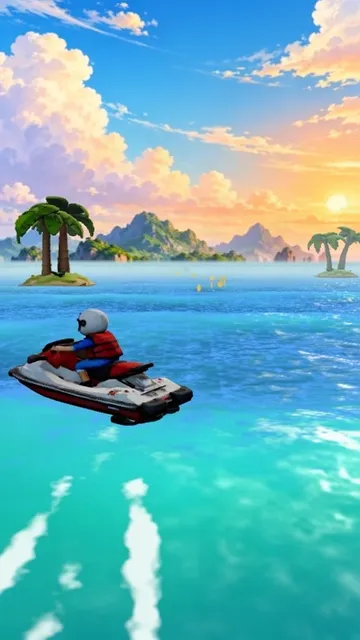
Wave RiderHold to steer. Tap to jump. Spin for combos.
 3DGem. Total: 3.
Sky RunwayRunways in space. Mind the gaps.
 3DGem. Total: 3.
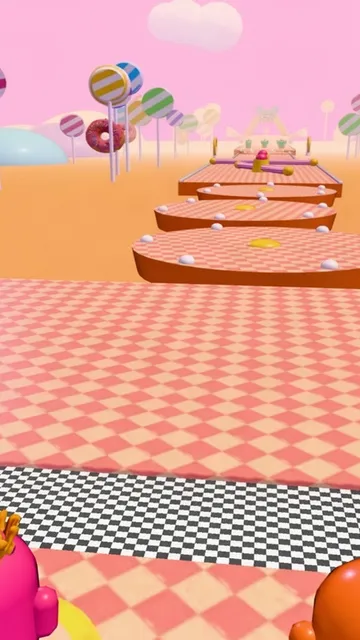
Wobble RunWobble, jump and shove your way to the crown.